
[ Module · 01 ]
Diagnostics
05
Screens
Test CatalogSample trackingResultsReportsReorder
Everything included
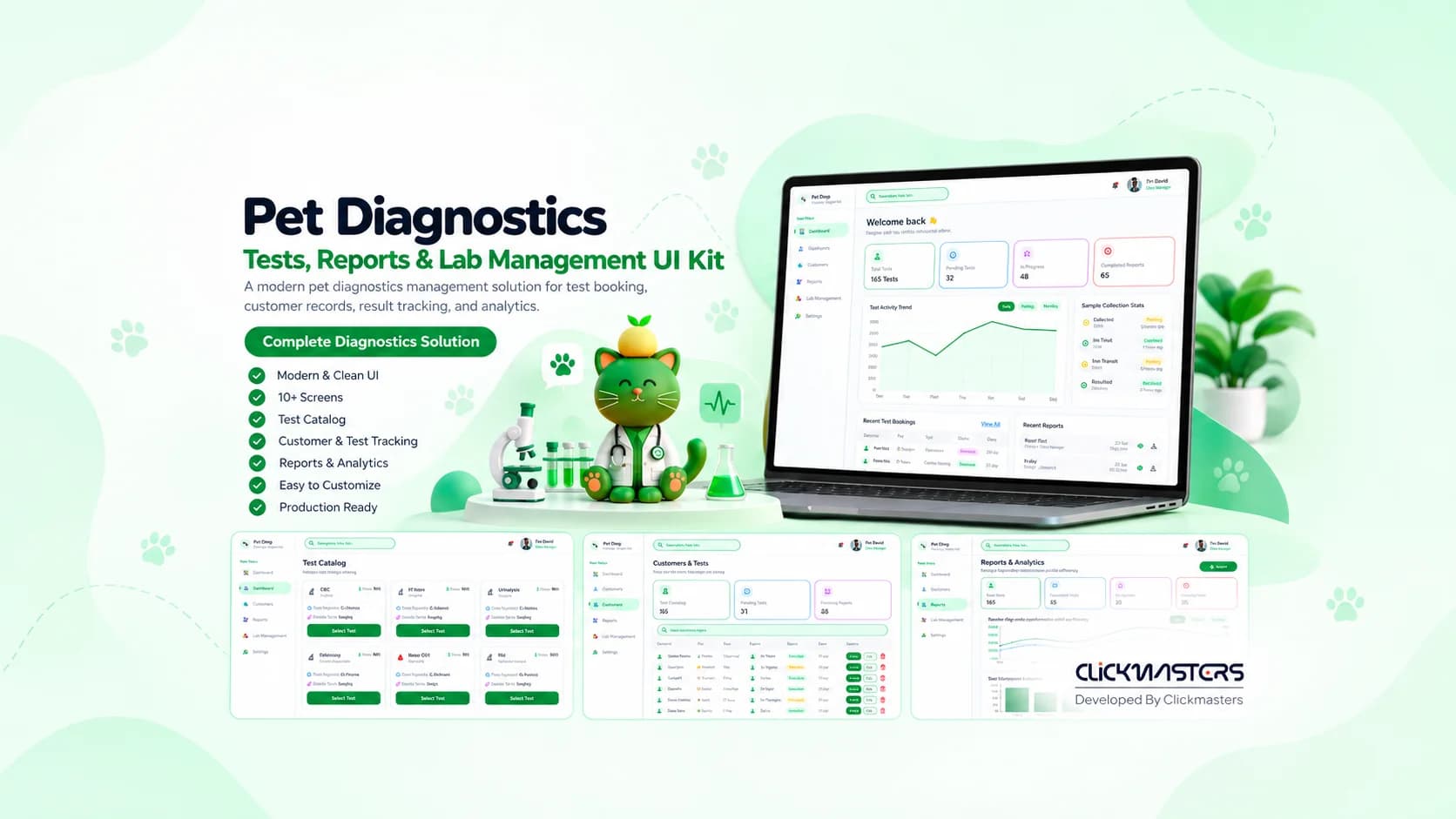
A lab-grade UI kit for veterinary diagnostics and testing services.
UI Kit
A lab-grade UI kit for veterinary diagnostics and testing services.
42+
Screens Included
110+
Components
Included
Reports
Trend + Range
Charts
A clinical, data-dense UI kit for veterinary diagnostic labs — from test ordering to sample tracking and result delivery — with clarity-first dashboards.
The Pet Diagnostics UI Kit is built for veterinary labs, in-clinic diagnostics, and at-home testing services. It covers test catalogs, patient diagnostics, cash management, and advanced reporting — with a clinical-but-friendly interface that both vets and lab admins can read.
Every screen included in the kit — dashboards, portals, and flows. Click any screenshot to open the full-size view.
Diagnostics test catalog with pricing
Customers and pets directory
Pet shop diagnostics dashboard
Cash management and daily revenue
Reports and analytics view
Every feature is production-ready — scoped, designed, and wired up. No placeholders, no half-finished flows.
Panels, individual tests, and bundles with turnaround times and pricing.
Barcode-driven sample state tracking from collection to result.
Normal / abnormal highlighting with reference range bands.
Historical trend lines per biomarker with range shading.
Track daily revenue, expenses, and cash flow directly in the admin panel.
Detailed revenue graphs, category breakdowns, and shareable PDFs.
Kit order flow with registration, return labels, and status updates.
Annotations and case notes attached to each result set.
A peek at the real implementation — the components and server actions that ship with the kit. No pseudo-code, no hand-waving.
A color-coded pill for tracking lab test progress. It maps specific states (completed, in-progress, pending) to distinct colors and icons. Used in the Diagnostics and Dashboard views to give lab technicians immediate visual feedback on sample status.
1import { CheckCircle2, Clock, AlertCircle } from "lucide-react";2 3const STATUS_MAP = {4 completed: {5 style: "bg-emerald-50 text-emerald-700 ring-emerald-200",6 icon: CheckCircle2,7 },8 "in-progress": {9 style: "bg-blue-50 text-blue-700 ring-blue-200",10 icon: Clock,11 },12 pending: {13 style: "bg-amber-50 text-amber-700 ring-amber-200",14 icon: AlertCircle,15 },16} as const;17 18type TestStatus = keyof typeof STATUS_MAP;19 20export function TestStatusBadge({ status }: { status: TestStatus }) {21 const config = STATUS_MAP[status];22 const Icon = config.icon;23 24 return (25 <span26 className={`inline-flex items-center gap-1.5 rounded-full px-2.5 py-0.527 text-xs font-medium ring-1 ring-inset ${config.style}`}28 >29 <Icon className="w-3.5 h-3.5" />30 {status.charAt(0).toUpperCase() + status.slice(1).replace("-", " ")}31 </span>32 );33}The logic driving the Cash Management screen. It aggregates all transactions for the day, separates income from expenses, and calculates the net cash flow. Kept as a pure function so it can be reused across the dashboard widgets and the detailed financial reports.
1type Transaction = {2 id: string;3 amount: number;4 type: "income" | "expense";5 category: string;6};7 8export function calculateDailyCash(transactions: Transaction[]) {9 return transactions.reduce(10 (acc, tx) => {11 if (tx.type === "income") {12 acc.income += tx.amount;13 acc.net += tx.amount;14 } else {15 acc.expenses += tx.amount;16 acc.net -= tx.amount;17 }18 return acc;19 },20 { income: 0, expenses: 0, net: 0 }21 );22}Every module ships as its own surface — plug the ones you need into your product. Roles, screens, and flows are already scoped.
Production-ready UI kits, dashboards, and admin panels — designed for teams that would rather build product than boilerplate.
At a glance
Built with
Figma + code · Lifetime updates
Modern ordering and result-delivery UI for clinic partners.
In-house test ordering and result viewing for vets.
Ship at-home kits with registration and result portals.
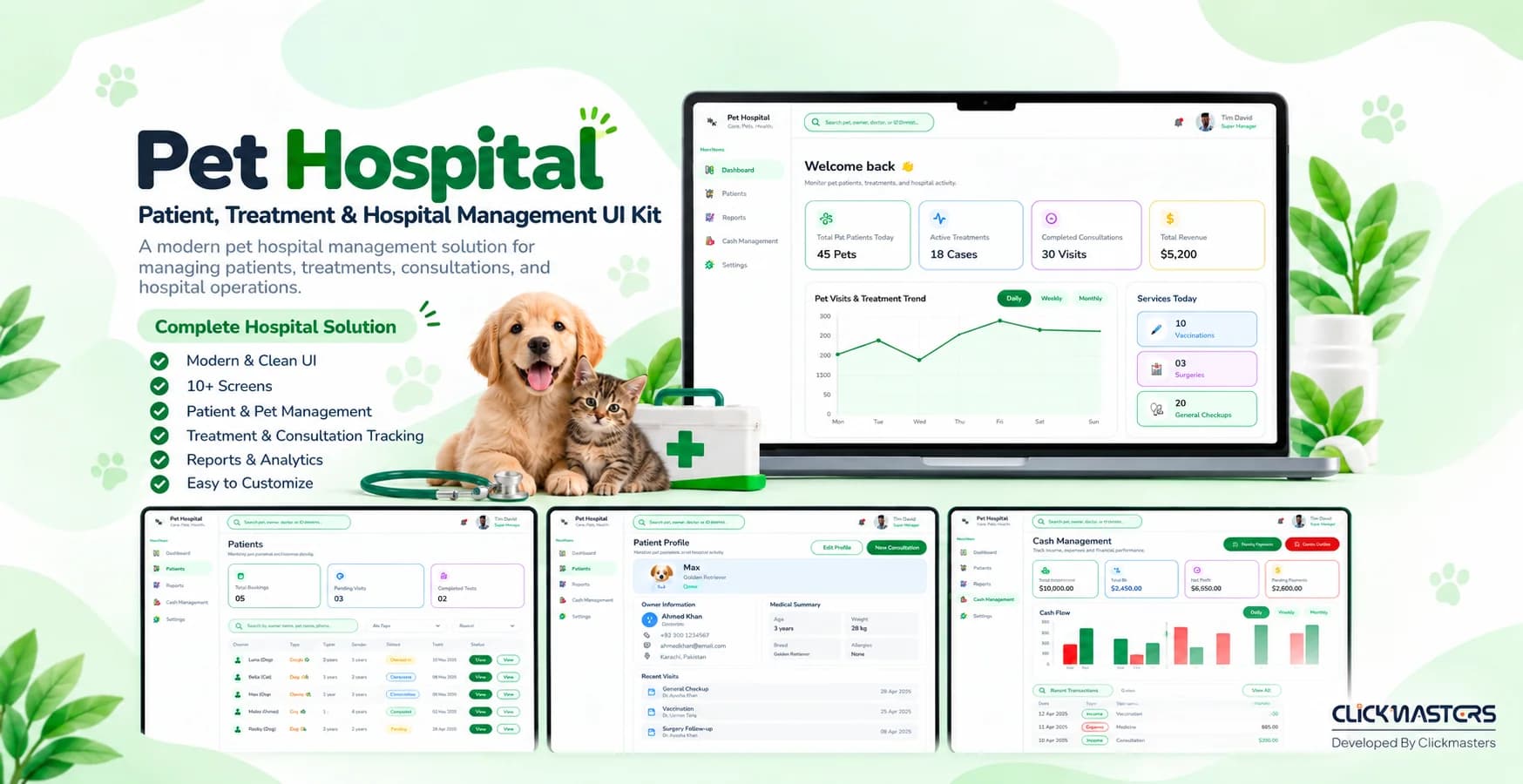
Healthcare
A complete hospital UI kit for veterinary clinics and animal hospitals.
View Pet Hospital UI Kit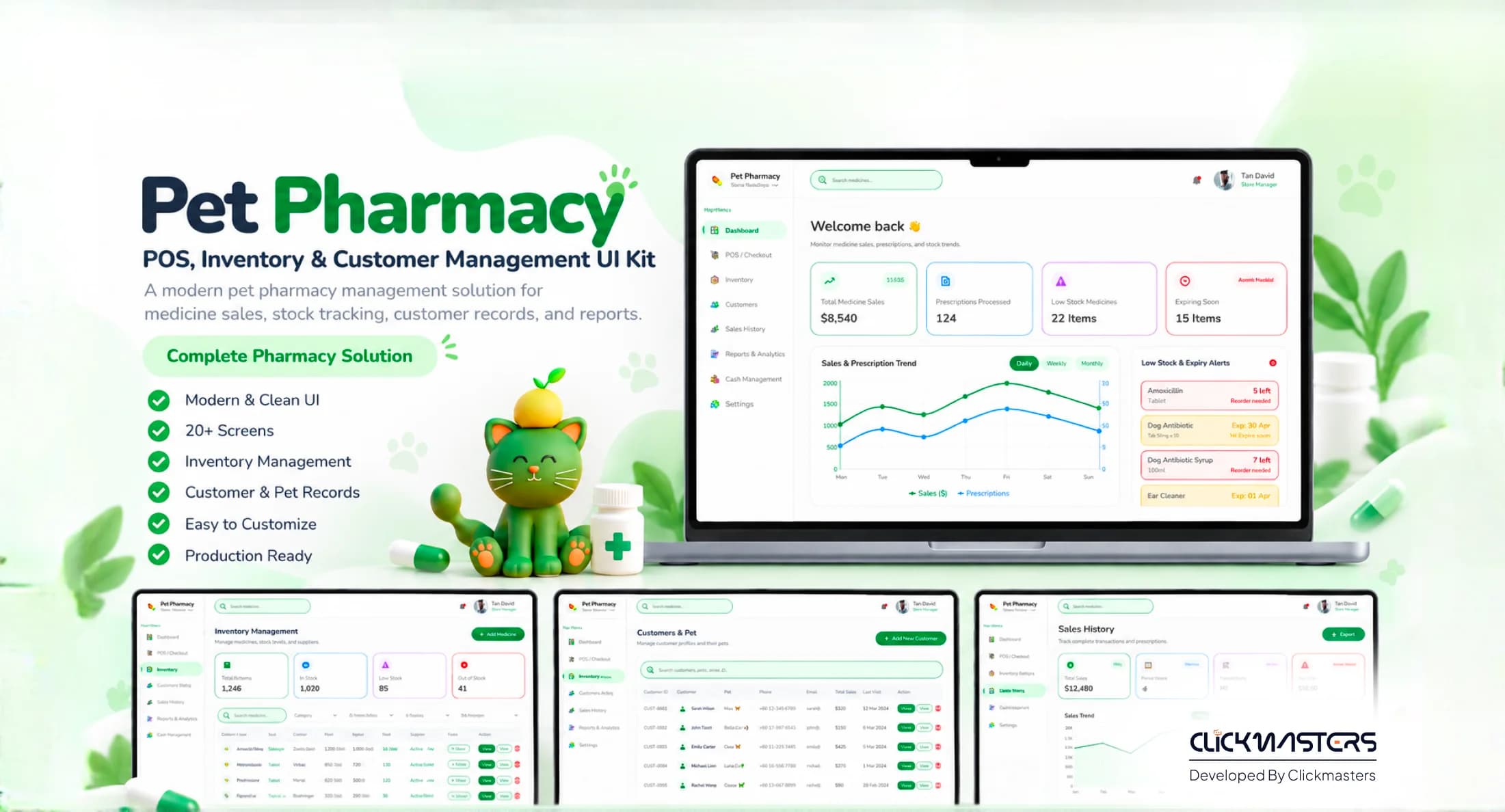
Healthcare & Ecommerce
A trustworthy management UI kit for pet pharmacies and vet clinics.
View Pet Pharmacy UI Kit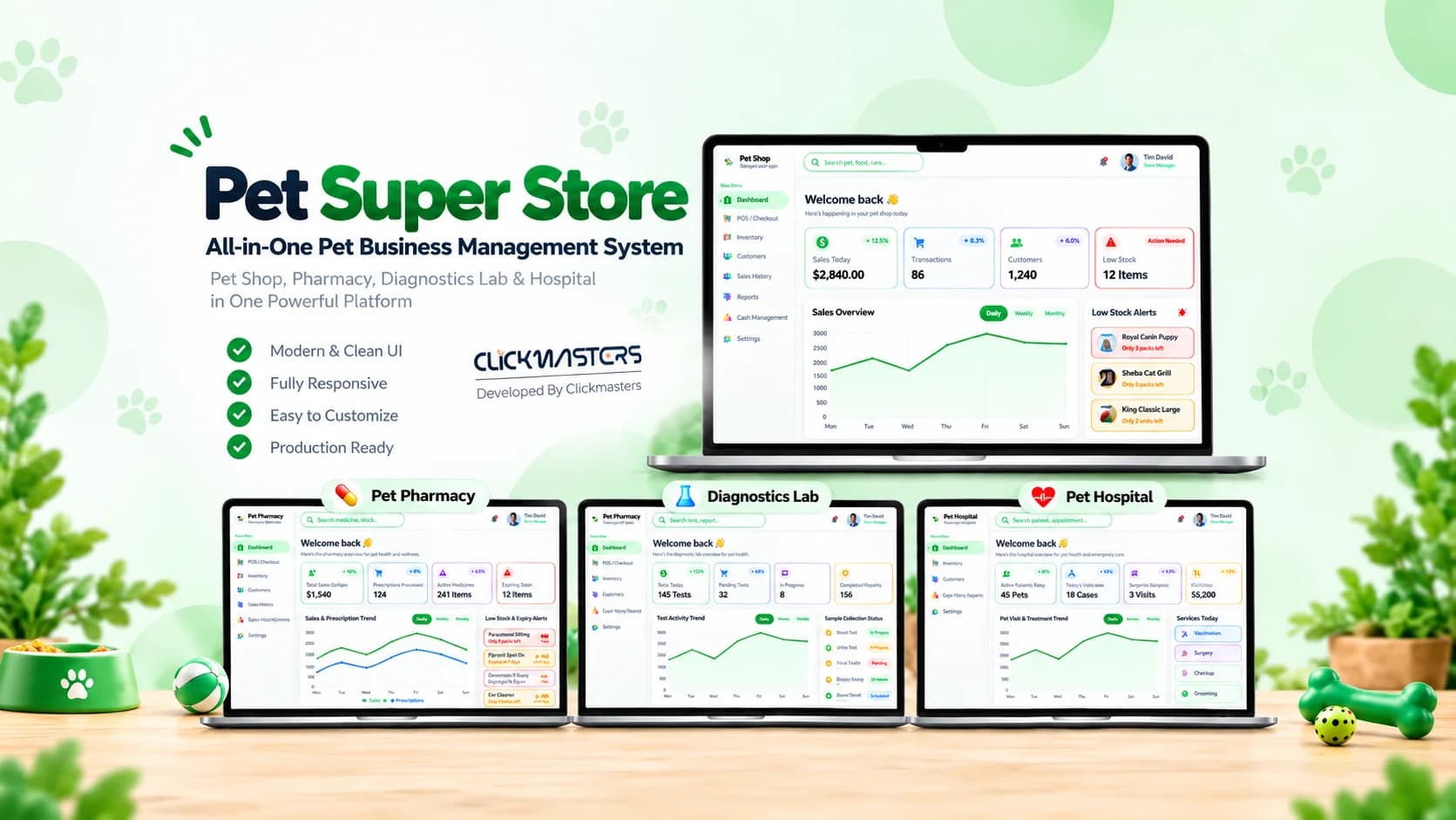
Retail & POS
A complete point-of-sale and management UI kit for pet super stores.
View Pet Super Store POS UI Kit[ 08 ] Ready when you are
Get the Pet Diagnostics UI Kit with sample tracking, cash management, and shareable reports.