
[ Module · 01 ]
Super Store Modules
05
Screens
Pet ShopPharmacyHospitalDiagnosticsPOS
Everything included
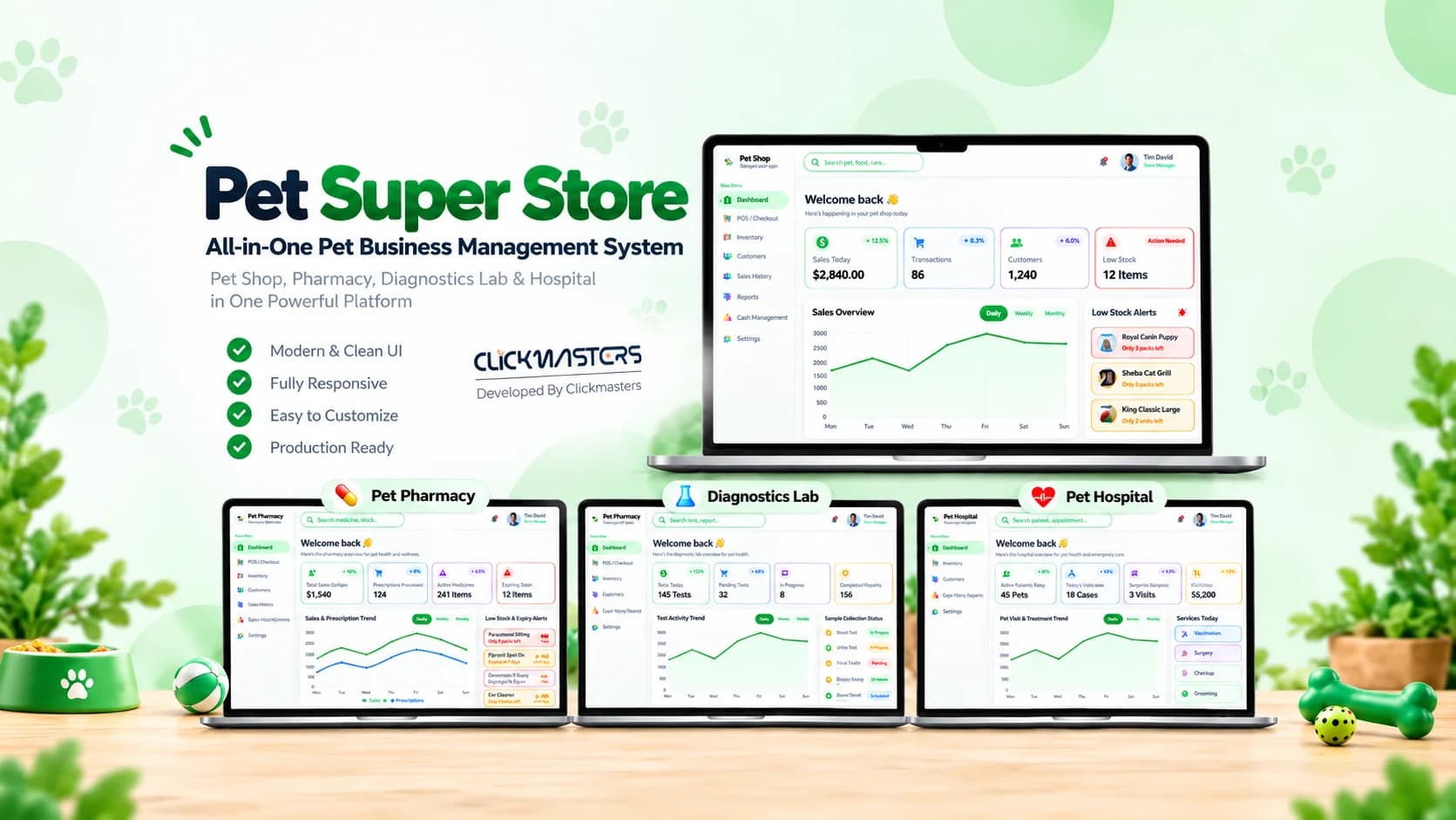
A complete point-of-sale and management UI kit for pet super stores.
UI Kit
A complete point-of-sale and management UI kit for pet super stores.
40+
Screens Included
100+
Components
Included
Unified Modules
Built-in
POS System
A unified point-of-sale and management system designed for large pet retail stores — integrating shop, pharmacy, hospital, and diagnostic workflows into one dashboard.
The POS Pet Super Store UI Kit is built for large pet retail environments that offer more than just products. It includes a fast POS for daily checkout, a comprehensive retail dashboard, and unified navigation to manage the Pet Shop, Pet Pharmacy, Pet Hospital, and Pet Diagnostics departments all from a single system.
Every screen included in the kit — dashboards, portals, and flows. Click any screenshot to open the full-size view.
Pet shop dashboard with charts
Pet pharmacy dashboard view
Pet hospital dashboard view
Pet diagnostics dashboard view
Point of sale product entry
Every feature is production-ready — scoped, designed, and wired up. No placeholders, no half-finished flows.
Switch seamlessly between Shop, Pharmacy, Hospital, and Diagnostics modules.
Lightning-fast product lookup and checkout for in-store purchases.
Process retail products, prescriptions, and services in a single transaction.
A persistent sidebar for quick access to all super store operations.
Link customers to their pets, purchase history, and medical records.
Real-time stock tracking across the shop, pharmacy, and hospital.
Sales by category, department utilization, and reorder alerts.
Handle returns seamlessly across retail, pharmacy, and service line items.
A peek at the real implementation — the components and server actions that ship with the kit. No pseudo-code, no hand-waving.
The primary row component for the POS product entry screen. It displays the product, handles quantity adjustments, and shows the real-time total for that line item before checkout.
1export function POSProductRow({2 product,3 quantity,4 onUpdateQuantity,5}: {6 product: { name: string; price: number };7 quantity: number;8 onUpdateQuantity: (q: number) => void;9}) {10 return (11 <div className="flex items-center justify-between p-3 border-b border-gray-100">12 <div>13 <p className="font-medium text-sm text-gray-900">{product.name}</p>14 <p className="text-xs text-gray-500">${product.price.toFixed(2)}</p>15 </div>16 <div className="flex items-center gap-3">17 <button 18 onClick={() => onUpdateQuantity(quantity - 1)}19 className="w-8 h-8 rounded-full border border-gray-200 flex items-center justify-center hover:bg-gray-50"20 >21 -22 </button>23 <span className="text-sm font-medium w-6 text-center">{quantity}</span>24 <button 25 onClick={() => onUpdateQuantity(quantity + 1)}26 className="w-8 h-8 rounded-full border border-gray-200 flex items-center justify-center hover:bg-gray-50"27 >28 +29 </button>30 </div>31 </div>32 );33}The configuration array that powers the unified sidebar navigation. It maps the different super store modules (Shop, Pharmacy, Hospital, Diagnostics) to their respective routes and icons.
1import { Store, Pill, Stethoscope, ScanLine } from "lucide-react";2 3export const SUPER_STORE_DEPARTMENTS = [4 {5 id: "shop",6 name: "Pet Shop",7 icon: Store,8 route: "/dashboard/shop",9 },10 {11 id: "pharmacy",12 name: "Pharmacy",13 icon: Pill,14 route: "/dashboard/pharmacy",15 },16 {17 id: "hospital",18 name: "Hospital",19 icon: Stethoscope,20 route: "/dashboard/hospital",21 },22 {23 id: "diagnostics",24 name: "Diagnostics",25 icon: ScanLine,26 route: "/dashboard/diagnostics",27 },28] as const;Every module ships as its own surface — plug the ones you need into your product. Roles, screens, and flows are already scoped.
Production-ready UI kits, dashboards, and admin panels — designed for teams that would rather build product than boilerplate.
At a glance
Built with
Figma + code · Lifetime updates
Run food, supplies, grooming, and medical services from one system.
Smaller footprint with curated products and grooming services.
Central catalog with per-store service calendars.
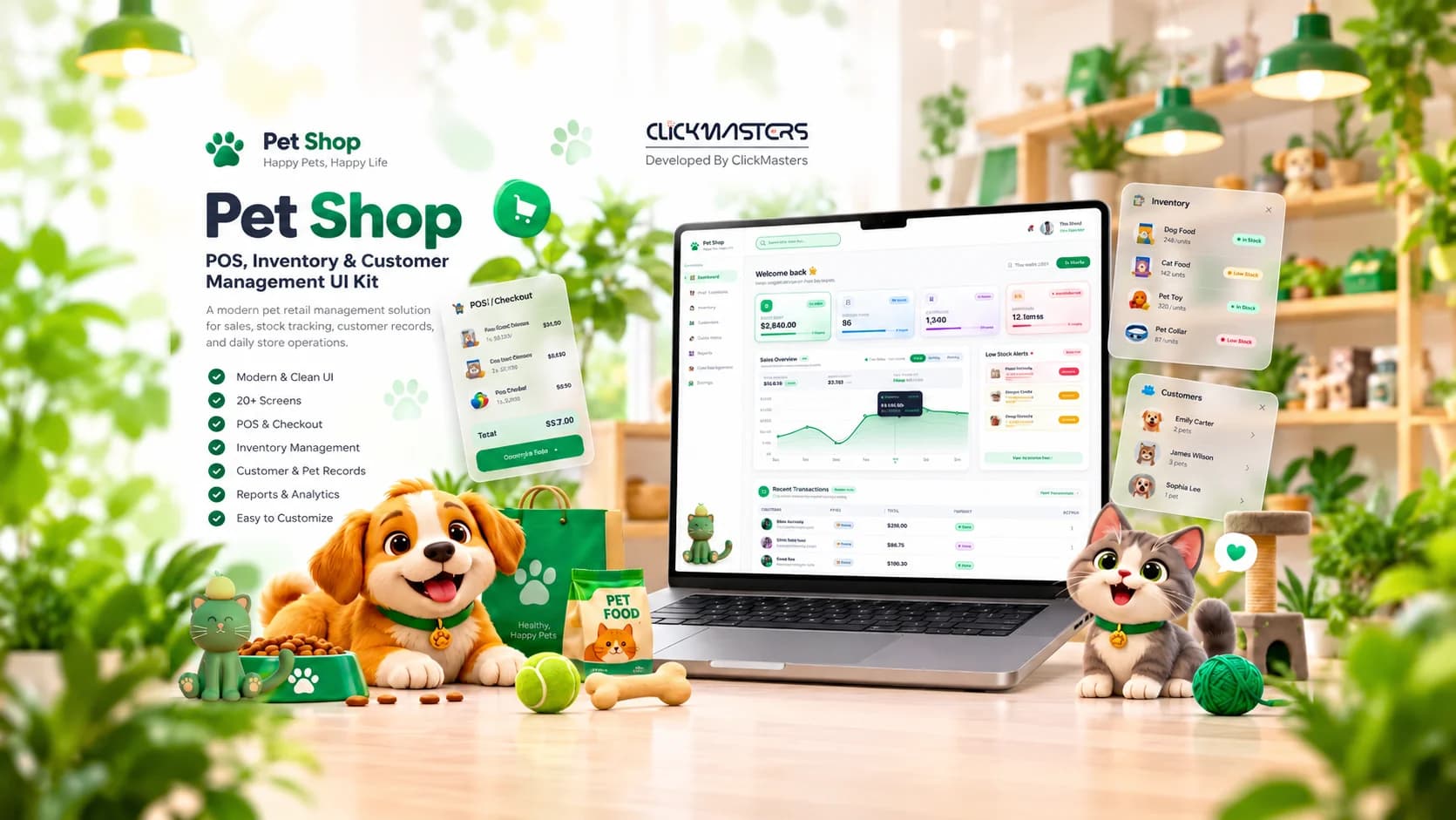
Ecommerce & Retail
A complete management UI kit for pet shops, retail, and boutiques.
View Pet Shop UI Kit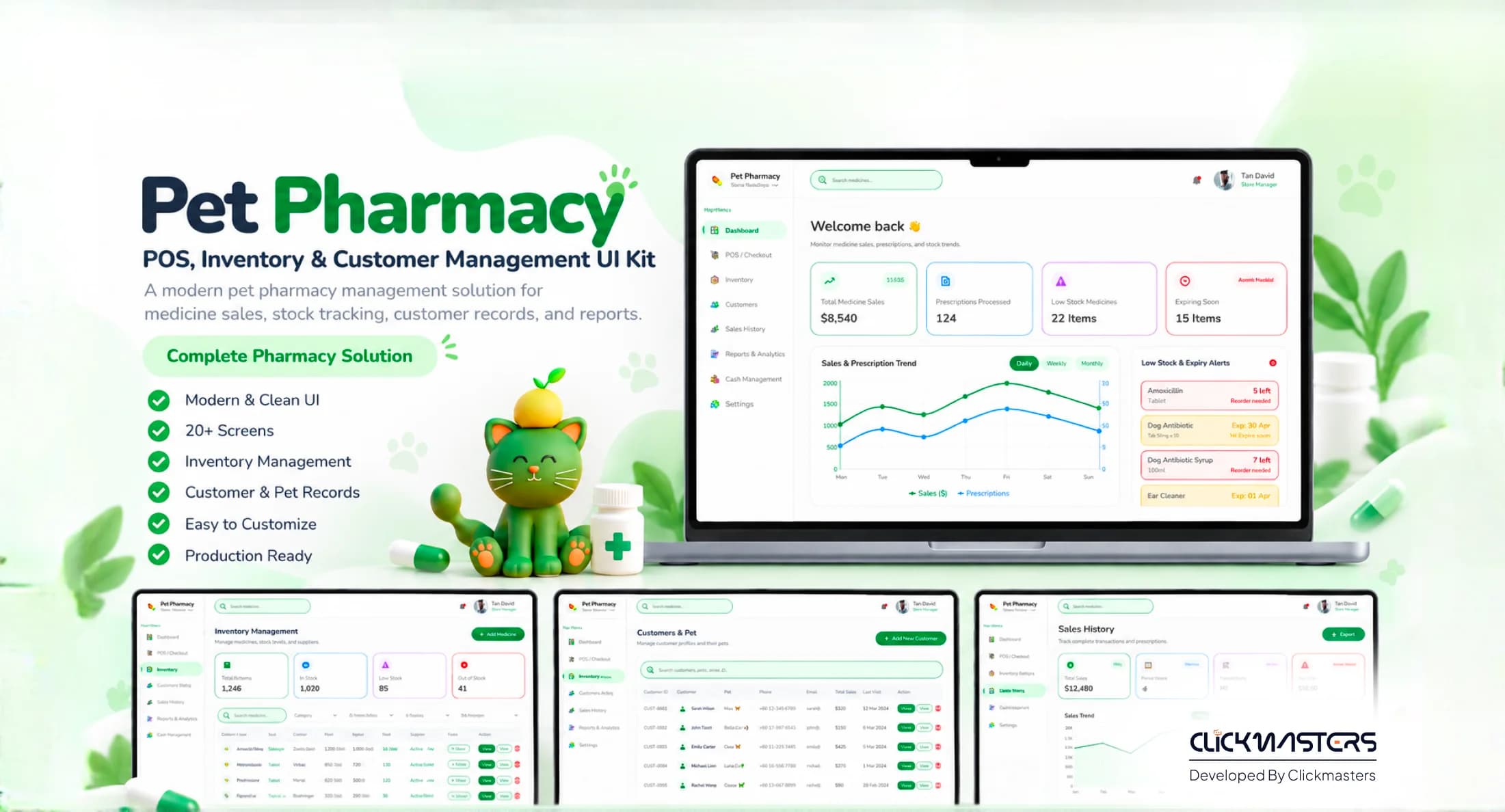
Healthcare & Ecommerce
A trustworthy management UI kit for pet pharmacies and vet clinics.
View Pet Pharmacy UI Kit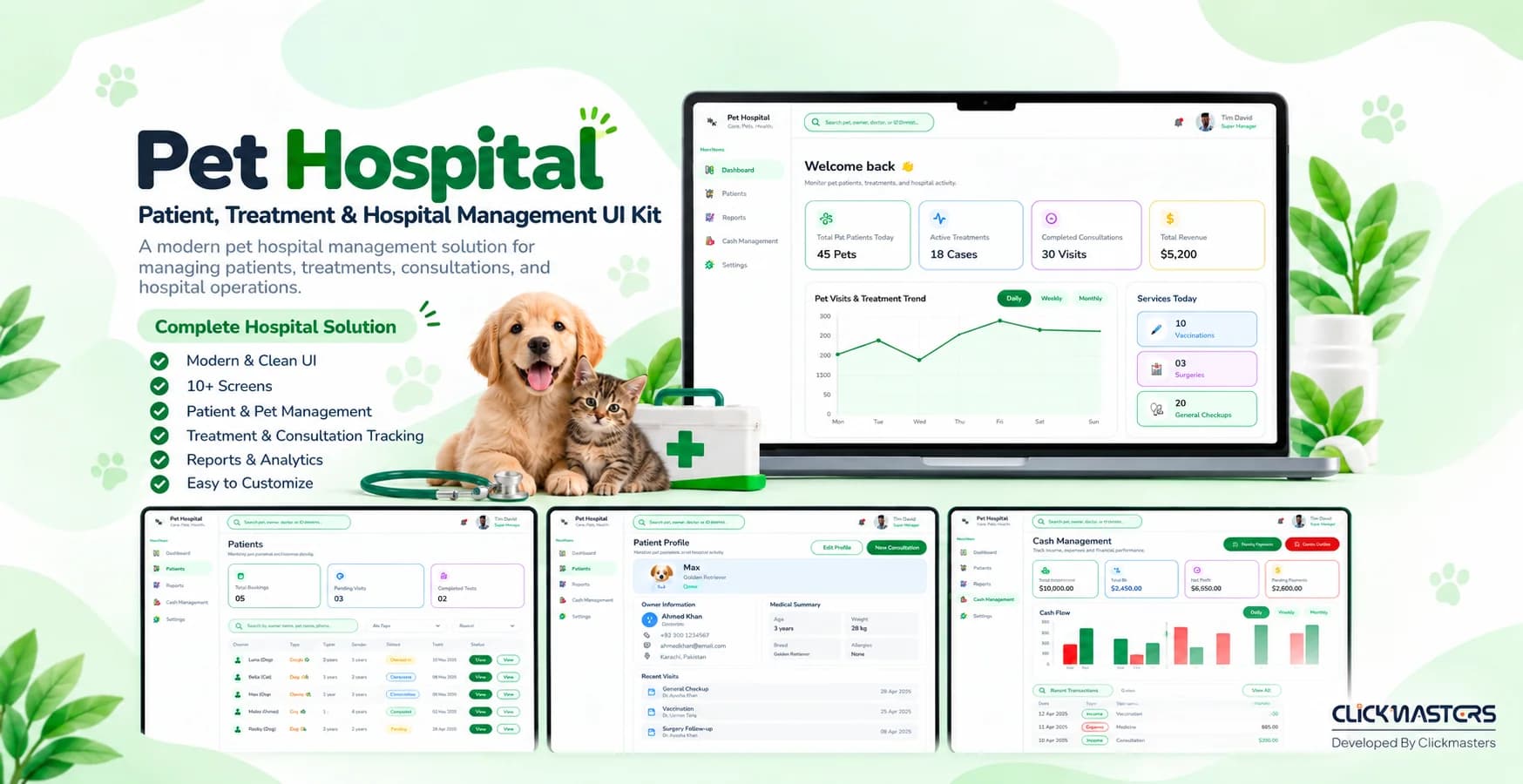
Healthcare
A complete hospital UI kit for veterinary clinics and animal hospitals.
View Pet Hospital UI Kit[ 08 ] Ready when you are
Get the POS Pet Super Store UI Kit with unified modules, POS, and cross-department dashboards.